Patch List Creator for Live Sound
HTML/CSS/JavaScript/PHP
Pratical Project
PDF Generator
MySQL
Management/Organisational tool
Patch List Creator
My motivation
As a live sound technician, I found that it was time consuming and difficult to create patch lists for clients without technical rider. This system allows me to send an artist a link, which they can use to add the equipment they are bringing or need, and the connections they need. Using this system, I can download the patch list as a PDF, which I can then print and give to the technician. It also serves as a way of keeping track of certain events.
The system
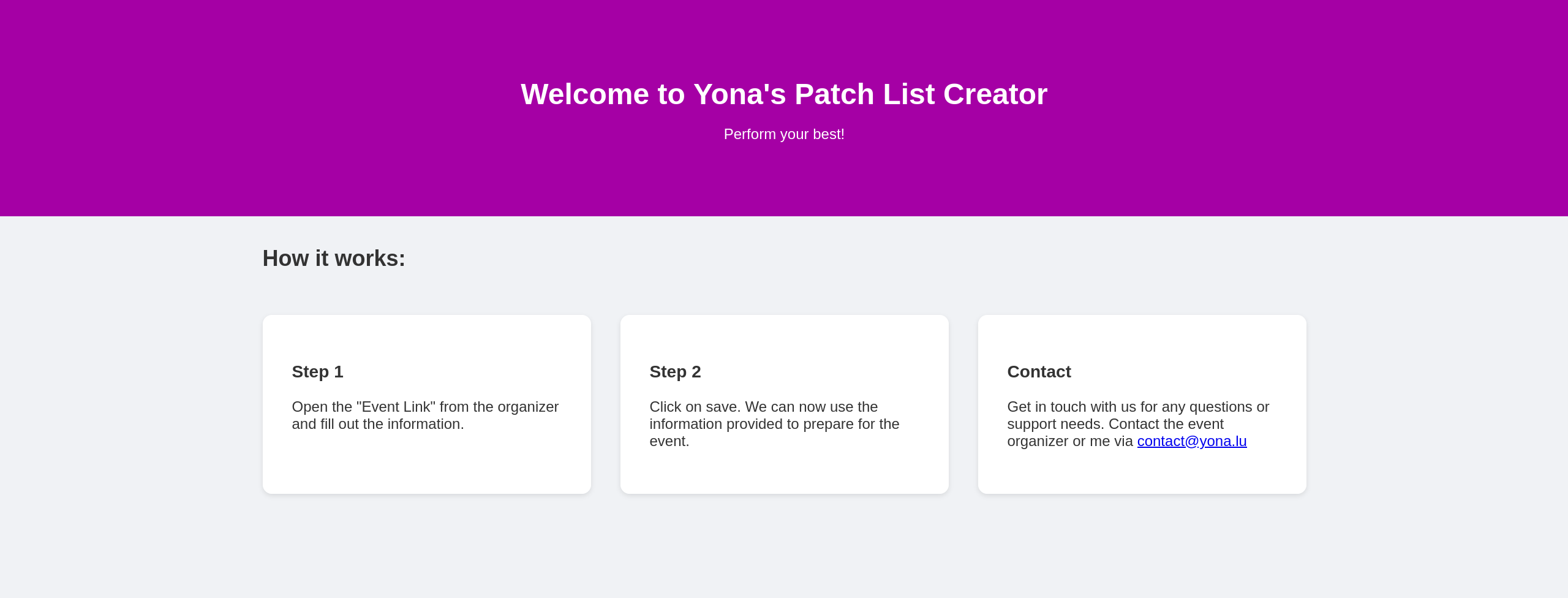
The frontpage
The frontpage is a simple page that displays information about the system and gives a quick explanation of what it does.
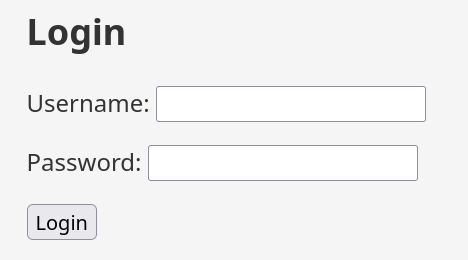
The login page
Using the login page, admins can log in to the system.
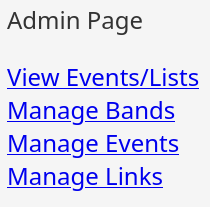
The admin navigation page
This page allows admins to navigate to different pages.
List of all events
When clicking on the list of all events, you will be taken to a page that shows all events. You can click on an event to view it.
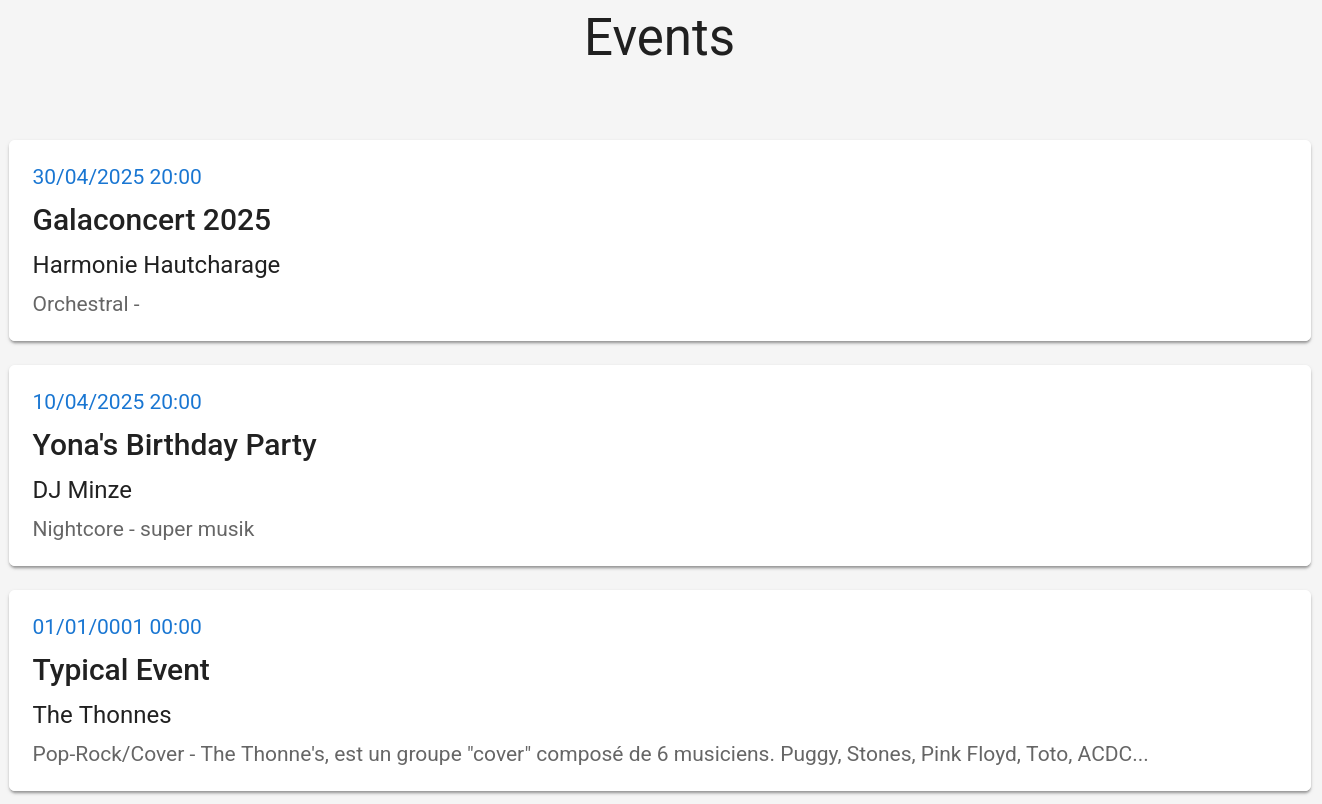
Example of an event in the admin view
When viewing an event, you can see all the equipment that is needed and the connections that are needed. This is information added by the artist. You can also download the patch list as a PDF.
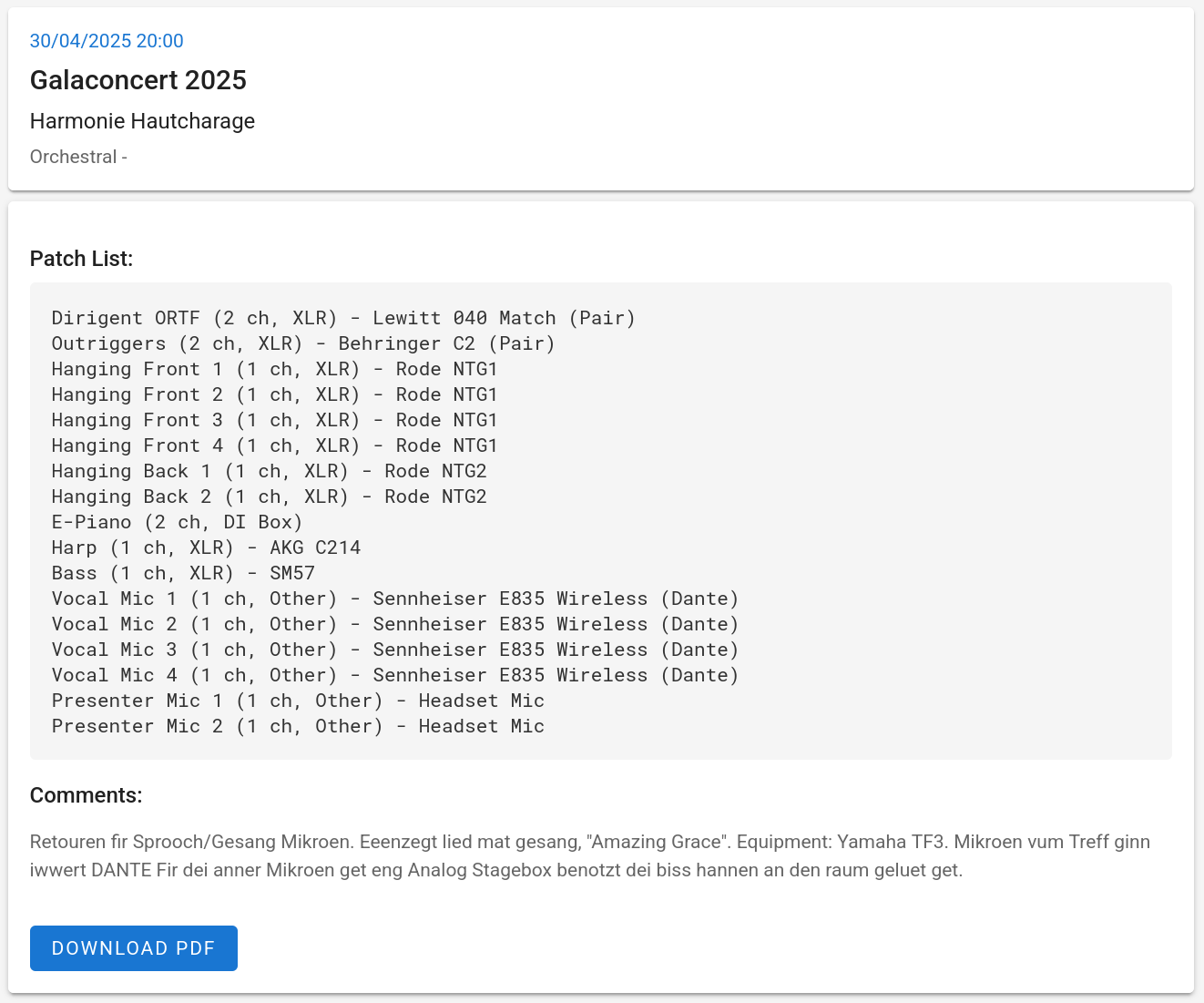
Example of an exported PDF
Here is an example of an exported PDF. This is a list that was used for an actual production.
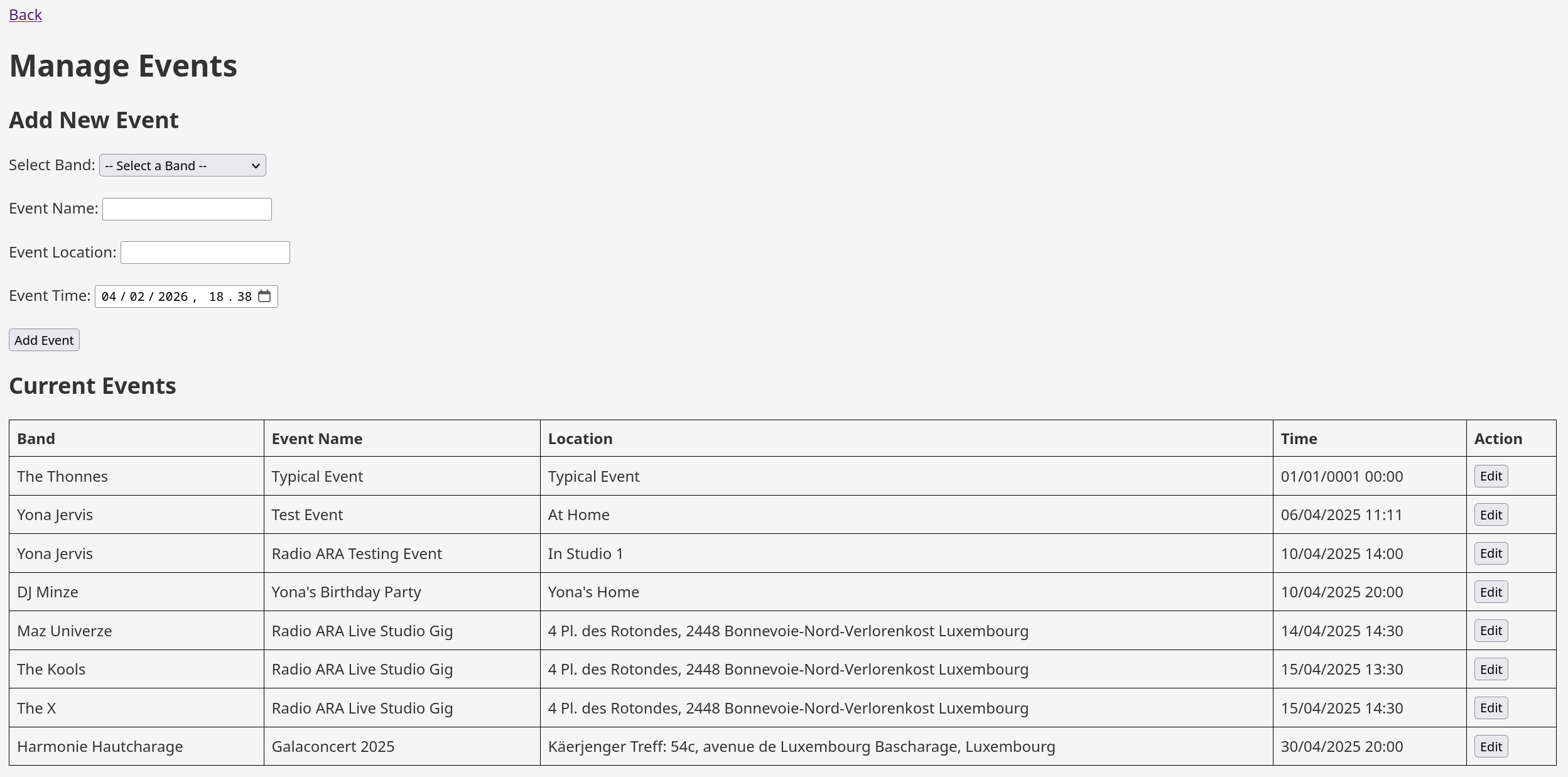
The manage events page
This page allows admins to manage events. You can add new events and edit existing events.
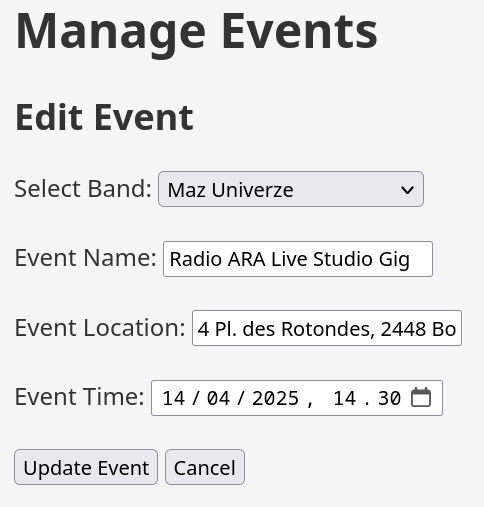
Editing an event on the manage events page
This page allows admins to edit an event.
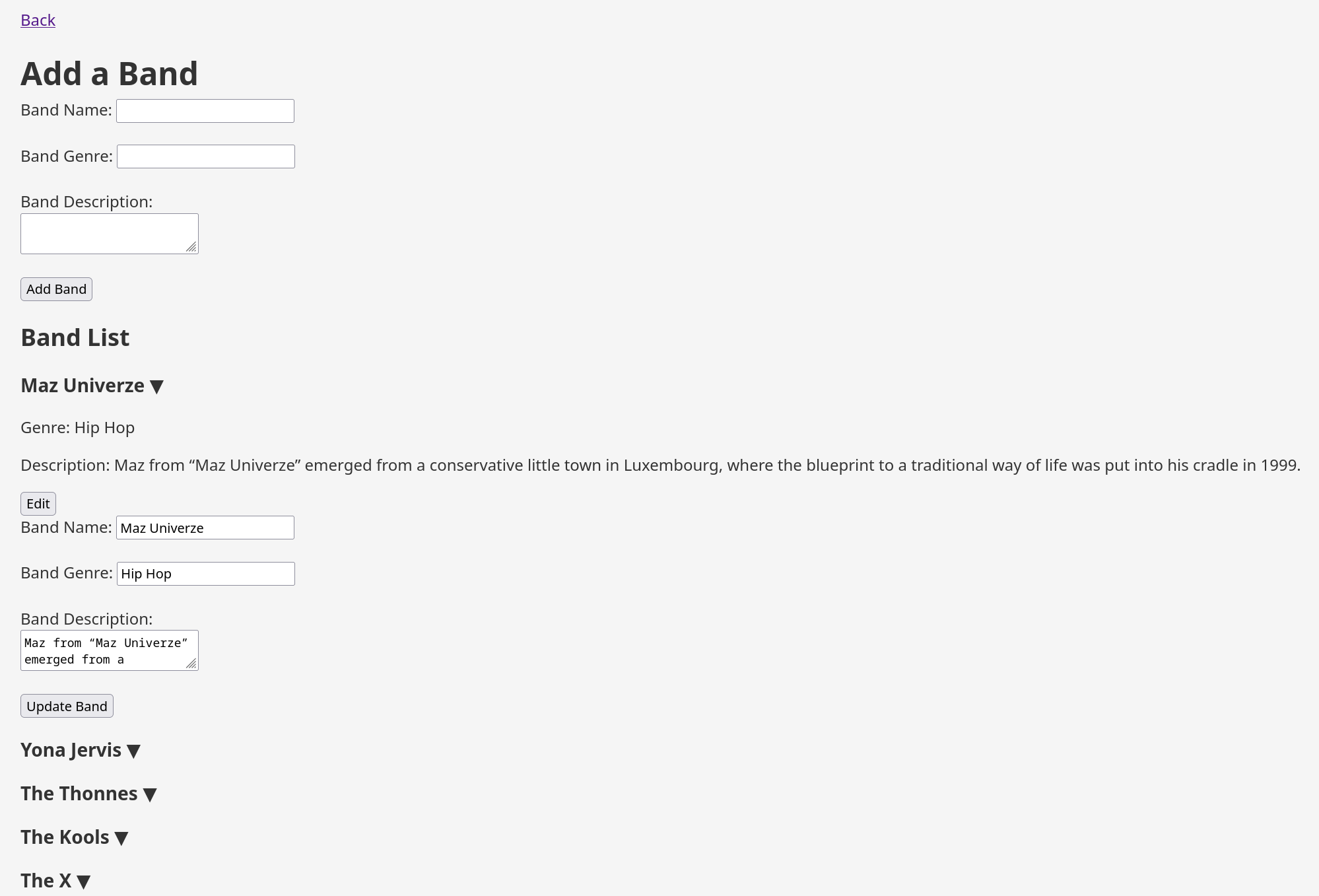
The manage bands/artists page
This page allows admins to manage bands/artists. You can add new bands/artists and edit existing bands/artists.
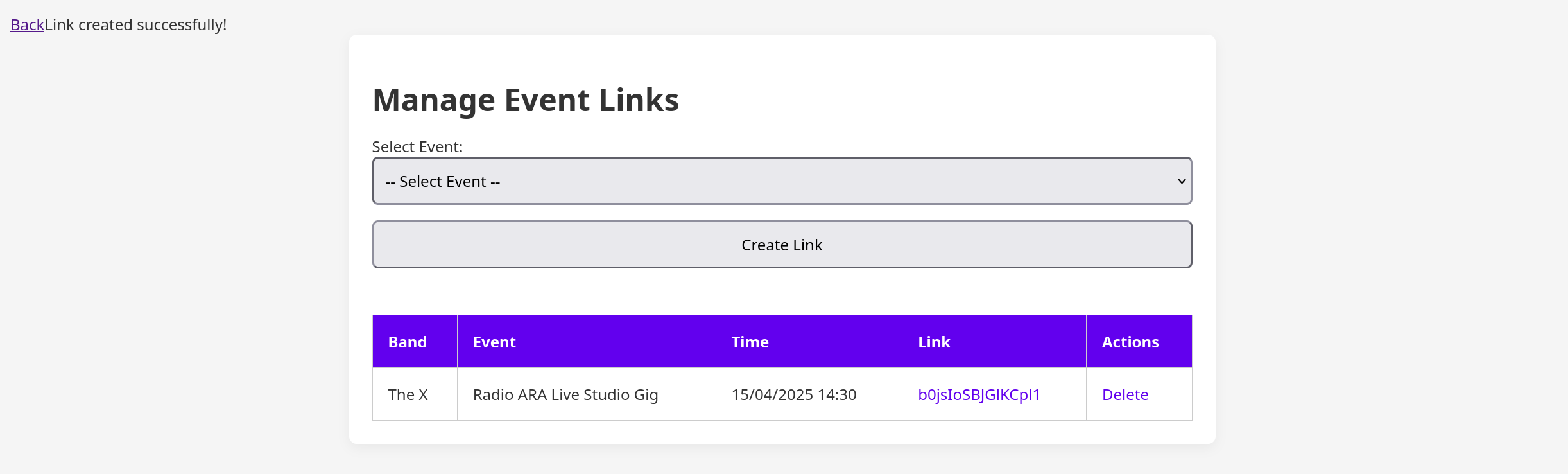
The manage links page
This page allows admins to manage links. You can add new links and remove existing links. It creates a link that allows the editing of a specific patchlist. This link can be sent to the artist.
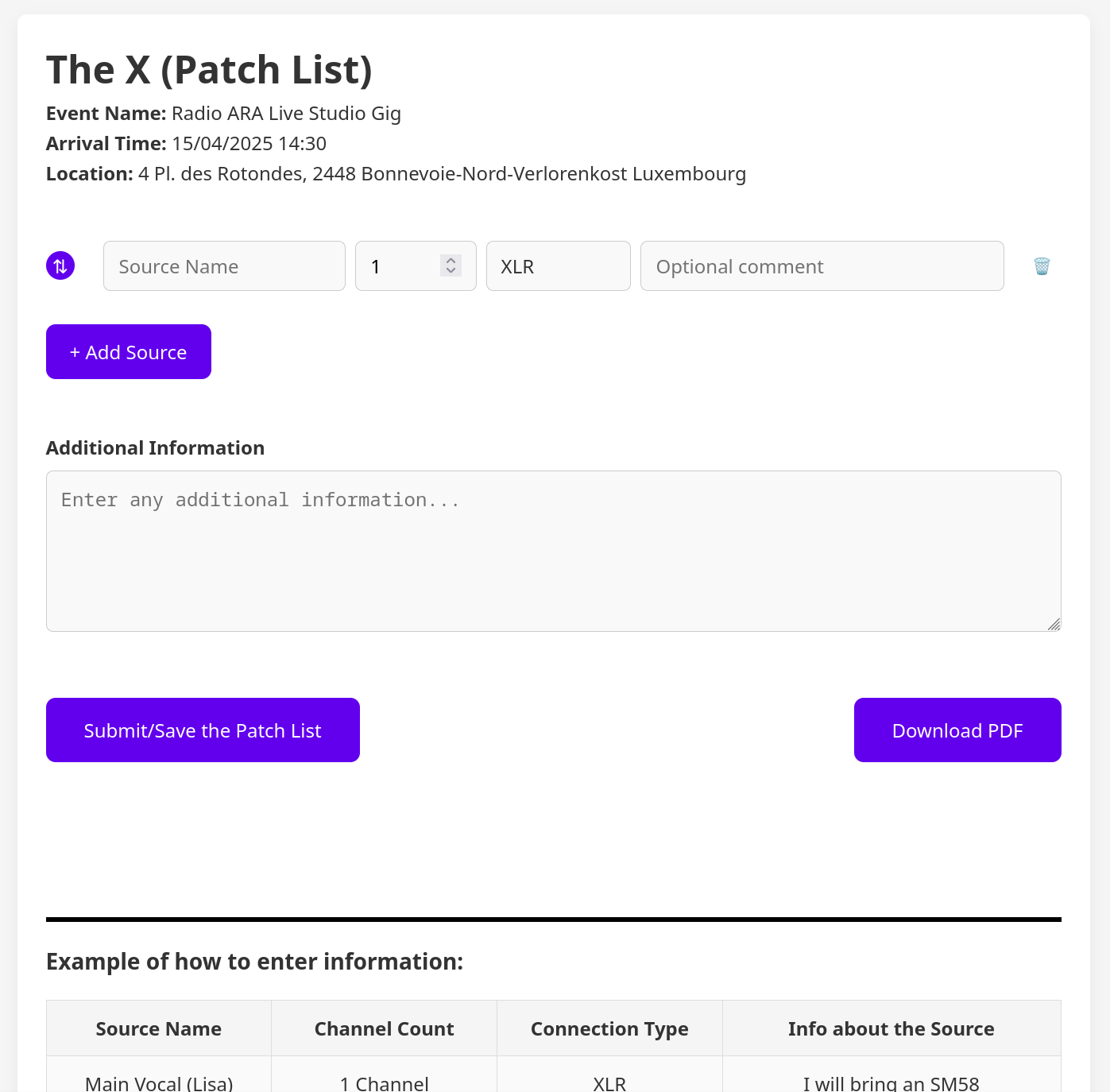
The create patch page
This page allows artists to create a new patchlist. The artist can then add the equipment they are bringing or need, and the connections they need. Once the artist has added the equipment and connections, the artist/admin can download the patch list as a PDF.